Why Consider an IPTV Subscription?
Internet television can give households more flexibility in how they
watch. Depending on the service, features may include live
television, on-demand content, programme guides, search, favourites,
subtitles, profiles and parental controls.
Availability varies by provider, platform and location. Some services
may work through an official Smart TV app, while others may support
Fire TV, Android TV, web browsers or mobile devices. Always check
compatibility for your exact model before subscribing.
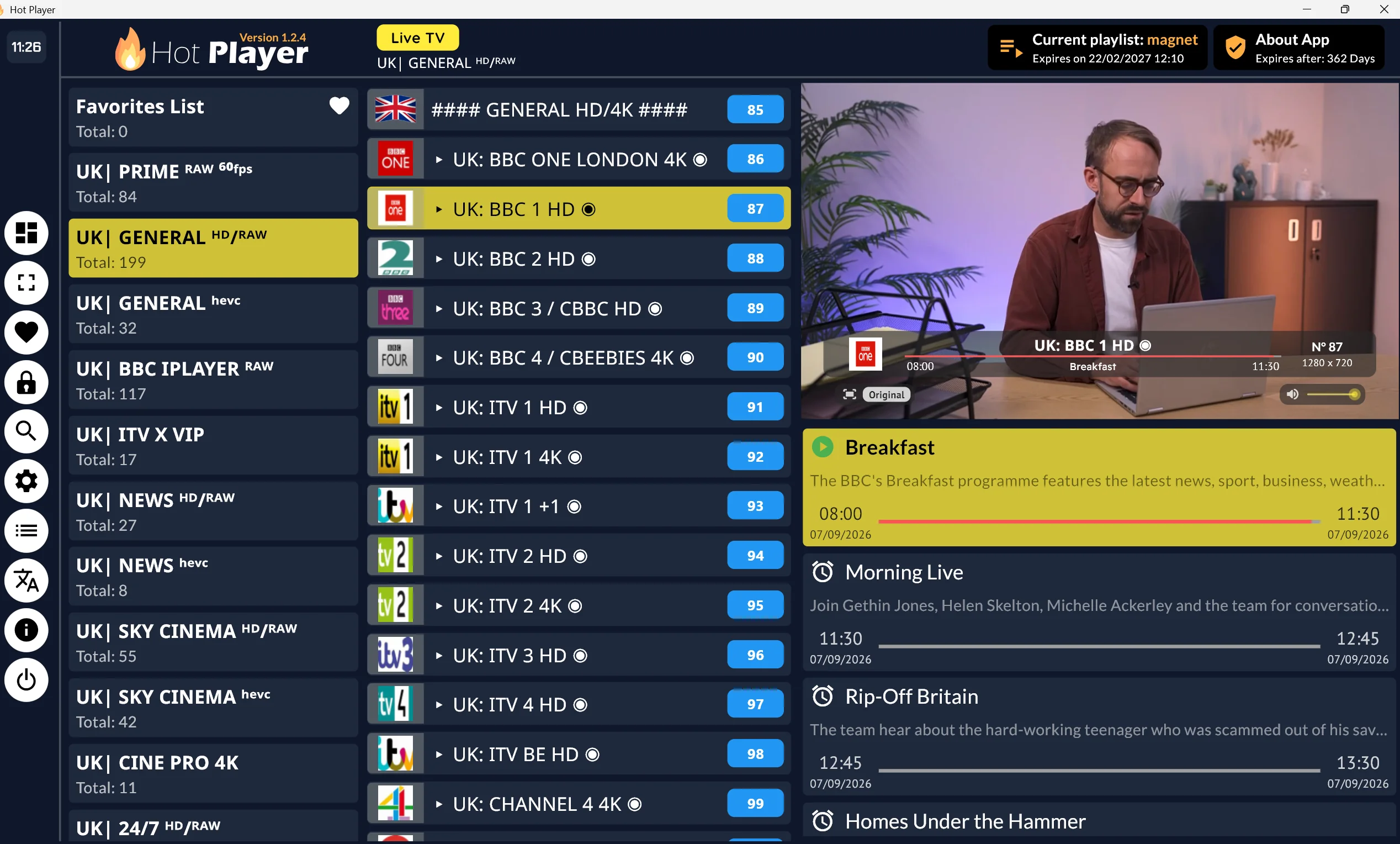
An IPTV player is separate from the content provider. A player can
organise compatible account or playlist information, but it does not
create channels or confirm that a source has the necessary rights.
Features Worth Checking
Before choosing an IPTV subscription UK users should review:
- Device compatibility.
- App availability through recognised sources.
- Programme-guide support.
- Search and content organisation.
- Subtitles and accessibility features.
- Profiles and parental controls.
- Simultaneous-device rules.
- Account and password management.
- Customer support.
- Privacy information.
- Billing frequency and renewal.
- Cancellation and refund terms.
- Clear information about content availability and rights.
Test the service on your actual television, streaming device or
browser where a clearly identified provider offers a trial. Review
the full terms before entering payment details, including whether a
subscription renews automatically.
Devices and Setup
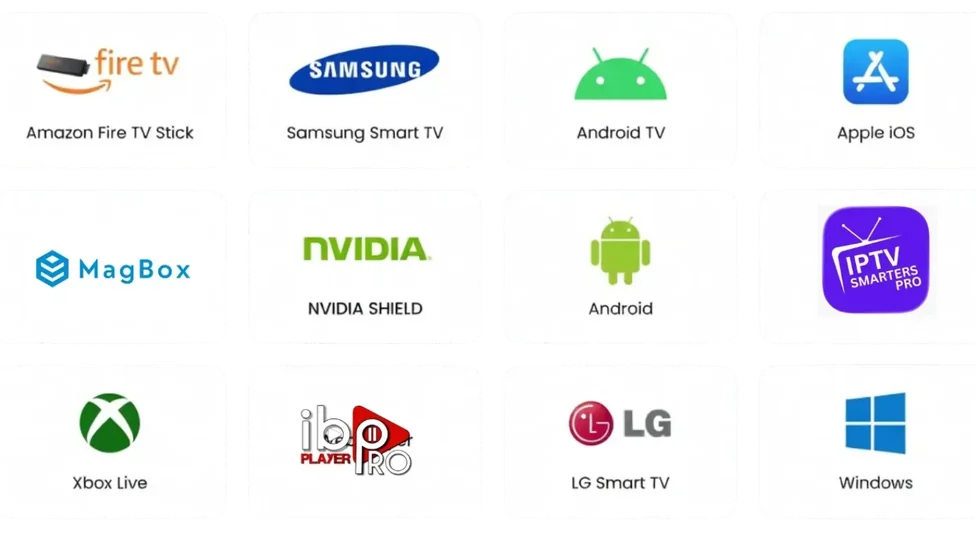
A compatible subscription may work on:
- Samsung or LG Smart TVs.
- Firestick and Fire TV.
- Android TV or Google TV.
- Android boxes.
- Mobile phones and tablets.
- Windows or Mac computers.
- Supported IPTV player apps.
Installation steps vary by device, operating system, region and app
version. Use recognised app stores or official developer sources, and
avoid unknown files or instructions that require security settings to
be disabled.
For practical setup information, explore our guides to
IPTV on Firestick
,
Android Box IPTV
and
Samsung and LG IPTV setup
.
Streaming Quality and Support
Playback depends on more than the subscription itself. Wi-Fi
strength, router placement, household network activity, broadband
performance, device capability, app software and provider-side
delivery can all affect the experience.
If playback buffers or stops, restart the app and device, check for
updates, test another supported device and reduce competing household
internet use. Contact official support if the problem continues, and
contact your broadband provider when several devices or services are
affected.
A VPN may be useful for certain privacy needs, but it does not
guarantee smoother streaming, grant content rights or make
unauthorised access legal.
Choose Transparently
A responsible IPTV subscription should make it easy to understand what
you are buying before payment. Check the provider’s identity, terms,
privacy policy, billing process, cancellation route and support
information.
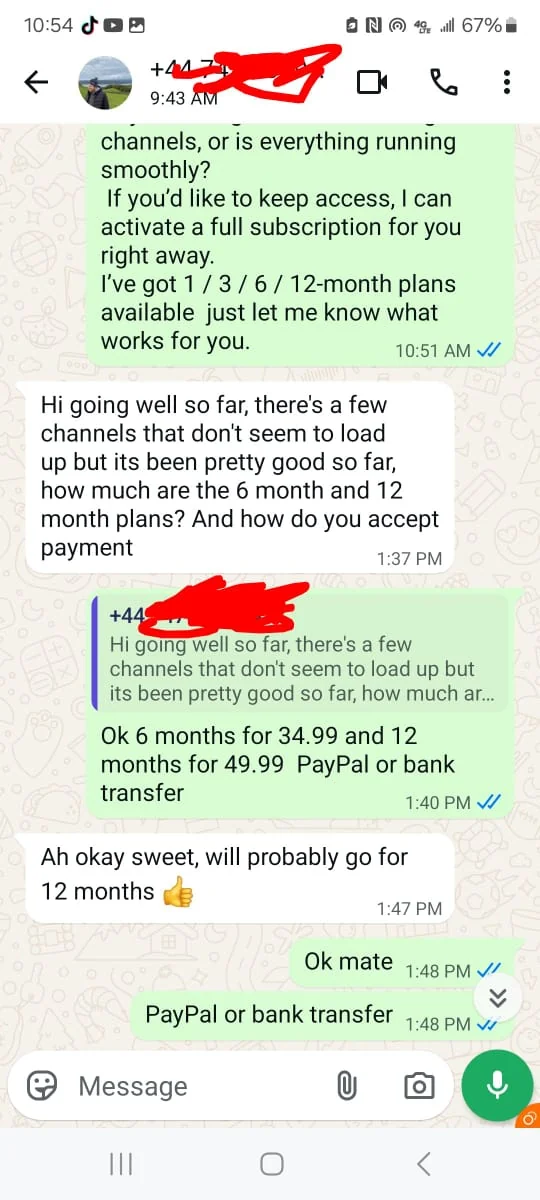
Use recognised services and avoid anonymous sellers, informal payment
requests, unknown applications and unrealistic claims. IPTV technology
is legal, but a particular service must have the appropriate rights
to distribute the content it offers.
Start Your Research
Explore Magnet UK TV for practical guidance about IPTV subscriptions,
Smart TVs, Firestick, Android boxes, player apps, free trials,
buffering, privacy and UK streaming considerations.
Start Your Research